RSS Workshop
Self-hosted RSS and Atom feeds for websites that don’t provide them.
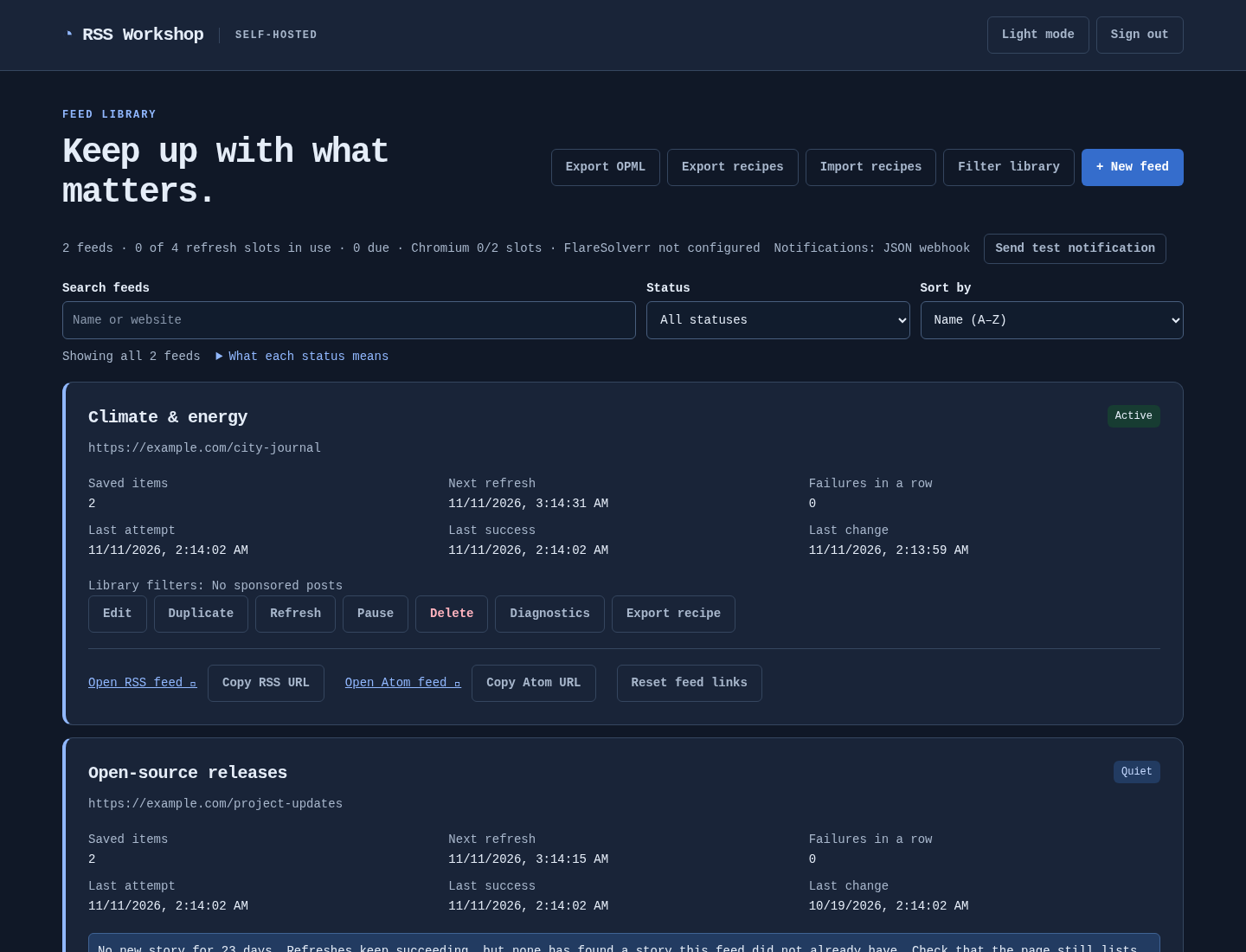
Build a feed by clicking on the page or with CSS and XPath selectors, render JavaScript sites with Chromium, filter the stories, and subscribe with any reader. It runs on your own machine, with no account and no third-party service.
What it does
-
Click to choose, then fine-tune
Click a repeating card, then its title, link, image and date. CSS and XPath sit side by side with live match highlighting.
-
JavaScript pages
Sandboxed Chromium renders pages that need a browser, and an optional external FlareSolverr handles challenge pages.
-
The article, not the teaser
Follow each story’s link and publish the full article, with cleanup rules for share bars and other clutter.
-
Feeds as sources too
Read an existing RSS or Atom feed to filter it, or to publish its full articles behind one private link.
-
Keep what you want
Include and exclude rules with nested groups and bulk keyword lists, and a filter library to reuse rules across feeds.
-
Feeds that stay put
RSS and Atom with stable item identities and dates, served from saved stories, plus an OPML export of every feed.
-
Know when a feed breaks
The library points out feeds gone quiet, with per-feed diagnostics, Prometheus metrics and optional notifications.
-
Recipes that travel
Export a feed’s setup as a JSON recipe, import it elsewhere, or duplicate a feed to try other selectors without touching it.
-
Yours to run
MIT licensed. Docker Compose or a single Linux executable, SQLite or PostgreSQL, behind your own proxy or VPN.
Your first feed
- Install it. A few commands start the Docker image, which includes Chromium and SQLite; a standalone Linux executable works too.
- Build a feed. Choose New feed, enter a page, choose its elements visually, and preview exactly what a reader will receive.
- Subscribe. Copy the RSS or Atom link into your reader. Readers are served saved stories, so a slow or broken site never stalls them.
Install and build a first feed
No site in mind yet? These pages publish a small demo newspaper to practise on, with ready-made recipes for it: see example recipes and demo site.
A closer look
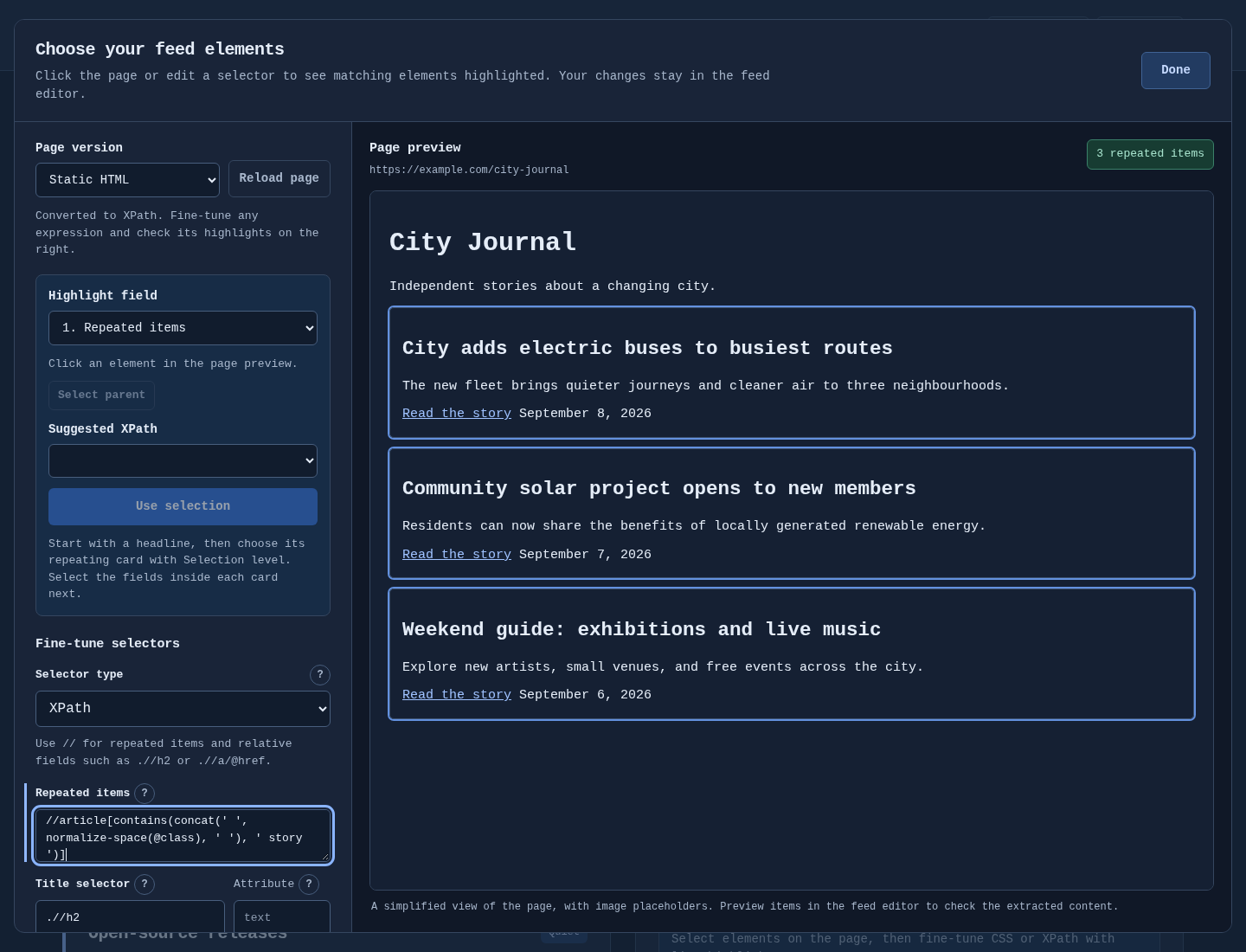
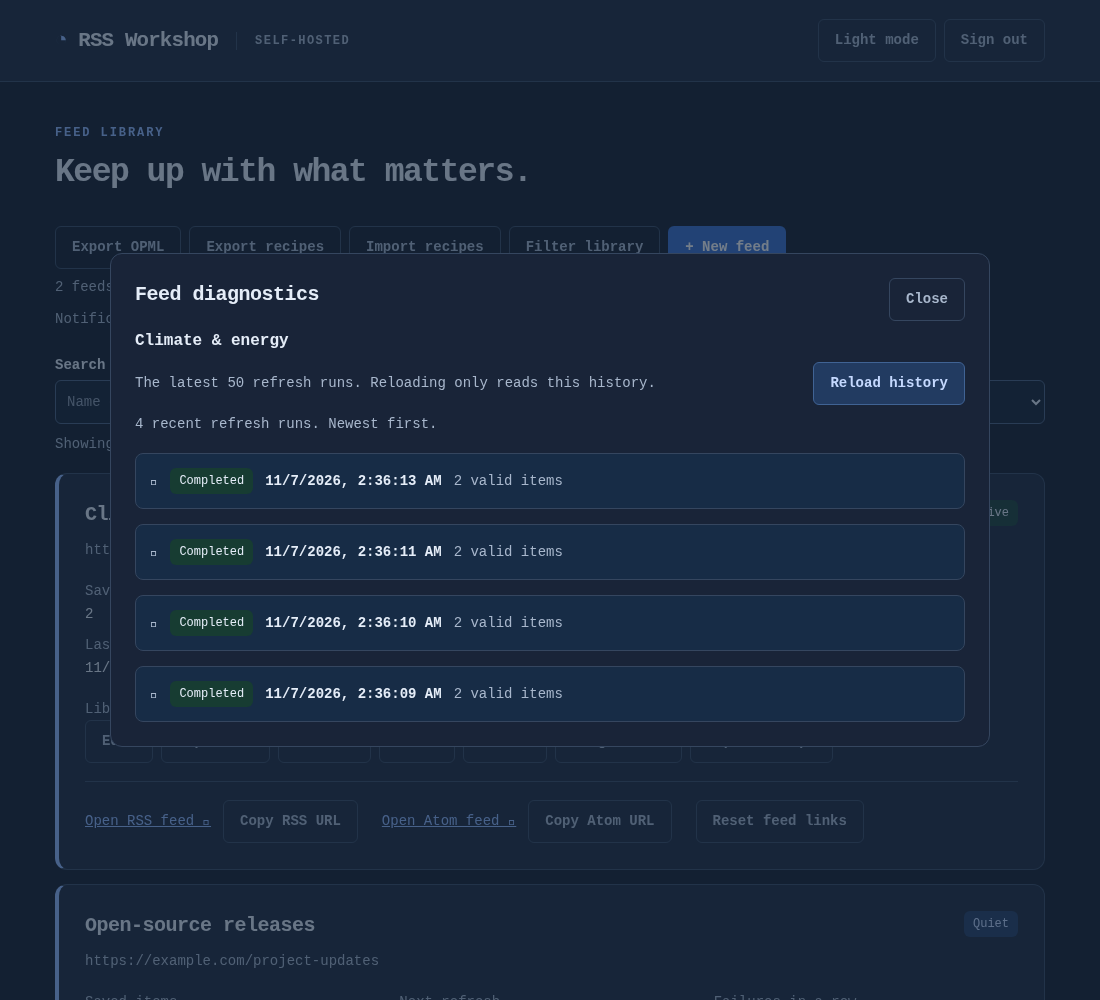
Screenshots use sample feeds.
Find your way
-
Build feeds
Visual selection · feed sources · story filters · publication dates · output, full articles and cleanup · recipe export and import
-
Fetching
Chromium rendering and its sandbox · FlareSolverr for challenge pages
-
Run it
Deployment and configuration · reverse proxy · monitoring, backups and upgrades · PostgreSQL · Gluetun VPN
-
Project
Changelog · security · contributing · builds and releases · licensing · dependency notices